Known Issues
As of 9/20/26
Some issues can be fixed via BIOS/Package updates but that requires actually discovering the fix…..
Note To WIndows Users:
DeckSight works fine as a display in Windows
The Touch Screen has a custom firmware that will work in Windows
The brightness adjustment is not possible to be done the same way as the LCD. The Software tools include a hardware brightness control but they are designed for Linux and use kernel calls. A windows equivalent requires a signed kernel driver and creating one is not planned.
BIOS flashing via the script uses the built in SteamOS method that other Linux distros have adopted. Windows methods of flashing the BIOS are unknown and unsupported but flashing the BIOS in SteamOS makes it unnecessary to do so in Windows.
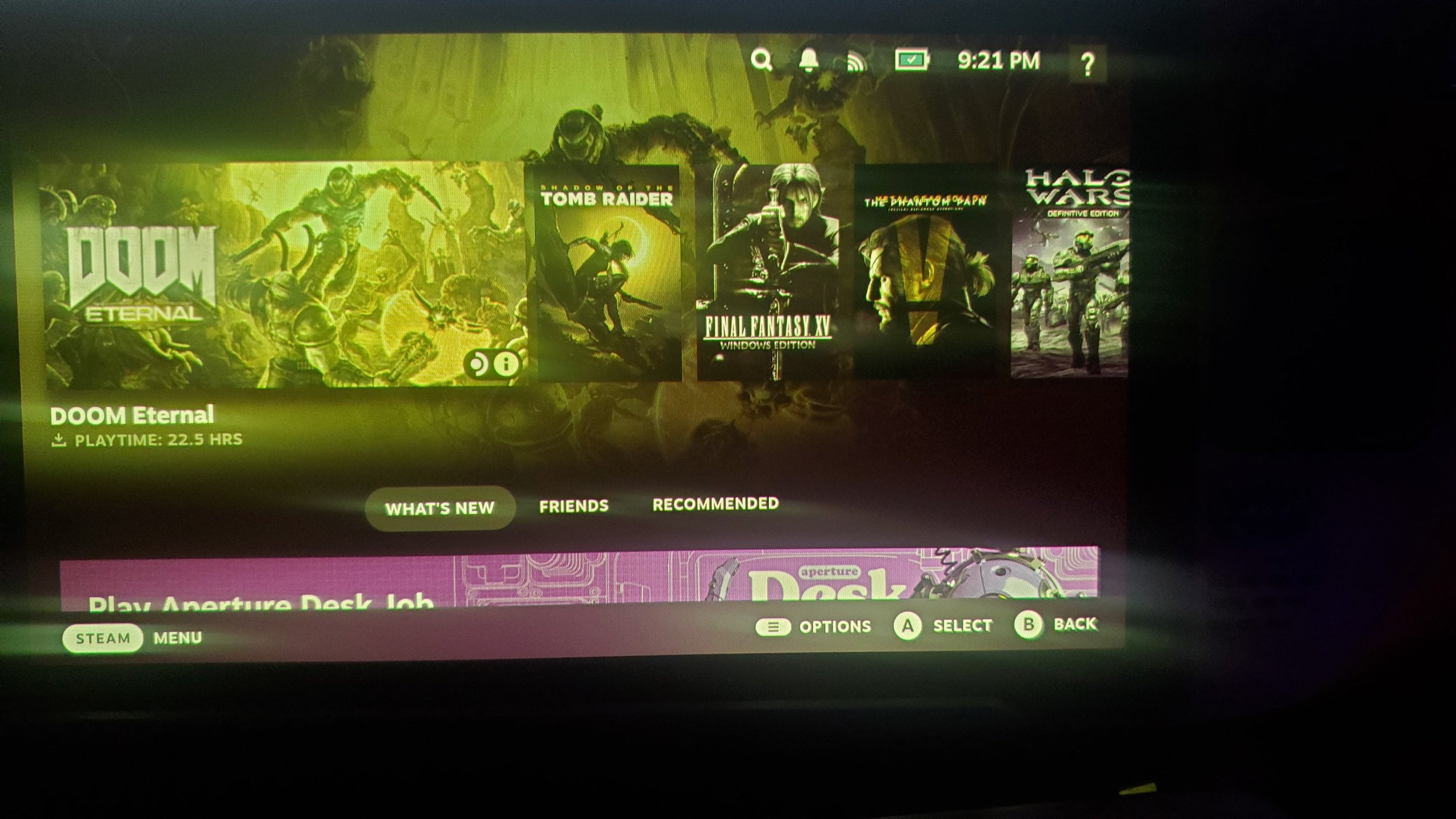
Wrong color on initializtion
IMPROVED 6/19/25: Happens much less often
This happens about one third of the time the screen initializes. Initialization happens whenever waking up from sleep or transitioning modes, like Game UI to Desktop. This is another small annoyance and it can be corrected by tapping the power button to shut the screen off and tapping it again to turn it back on. It doesn’t require a full shutdown, just a quick sleep to re-init the display. This can also be resolved in a future BIOS patch update to improve the timing.